 SecurityZines.com
Understanding Linux Device Files
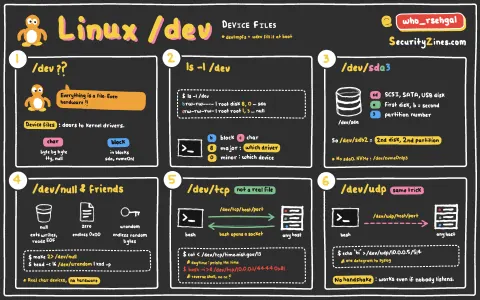
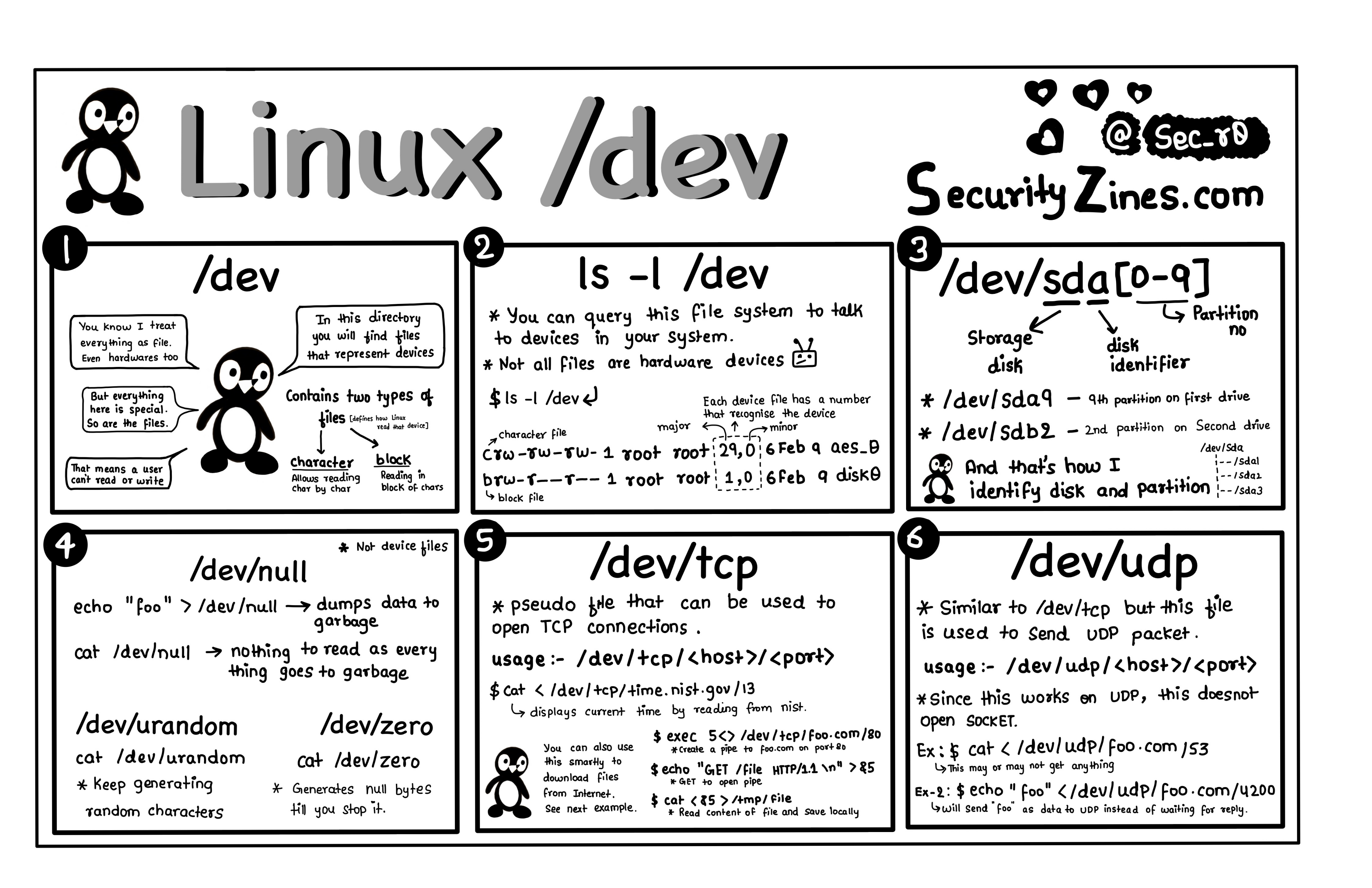
What is /dev in Linux? The `/dev` directory in Linux is a special file system that contains device files, which represent hardware devices and software interfaces. These files allow the operating system to communicate with and interact with hardware peripherals like disks, network interfaces, and terminals.
How It Works: Each device in Linux is represented by a file in the `/dev` directory. For example, `/dev/sda` might represent a hard disk, while `/dev/tty` represents a terminal. These device files act as interfaces that allow programs and users to interact with hardware components without needing to know their specific details.
Why It Matters: The `/dev` directory is a crucial part of Linux systems, as it abstracts hardware operations into a file-based system, making it easier for developers and system administrators to interact with devices programmatically. Understanding this structure is essential for managing Linux-based servers and devices.
Common Use Cases: Linux system administrators use the `/dev` directory to manage devices such as storage, input/output devices, and virtual devices. Additionally, device drivers interact with these files to perform operations like reading from or writing to hardware peripherals.
By understanding how `/dev` works, you can better troubleshoot, configure, and interact with devices in a Linux environment.
This is the printer-friendly version. See the colour Linux /dev Directory flyer.